Posts

Showing posts with the label video editing tips

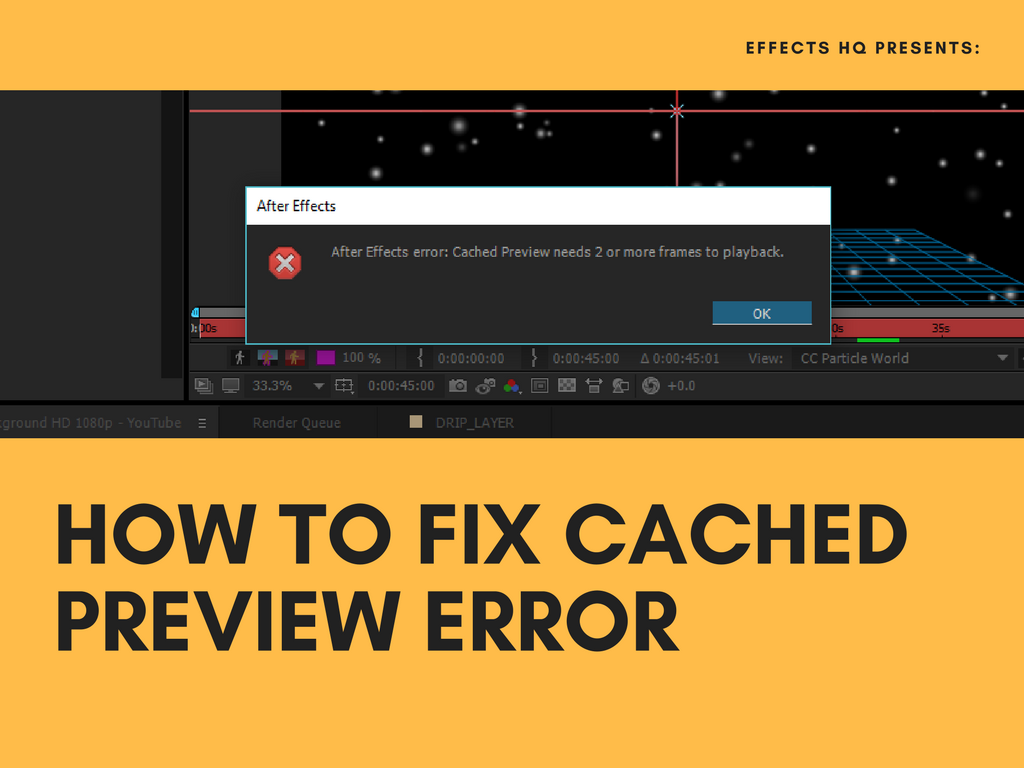
How to Fix "Cached Preview needs 2 or more frames to playback" Error in Adobe After Effects
Image
If there's one error in Adobe After Effects that I can't stand, it's this error: After Effects Error: Cached Preview needs 2 or more frames to playback. What this error does is mess around with  your preview. Every time you preview your project, this error message pops up and we all know how important previewing our work is.  What's causing this problem? After Effects constantly stores the files that are used to preview render in a folder on your hard drive, so that they can be easily accessed in the future without having to re-render each time. This folder is known as the Disk Cache, and as it grows full over time, it can cause problems within the program. Output Module Failure is no exception. How to fix this error? Below are some of the quick fix you can apply to your After Effects.  1. Purging All Memory and Disk Cache This step is really simple. Just go through "Edit" then "Preference" and select "All Memo...

How to Extract Audio Files in Any Videos Using Sony Vegas Pro

Image
We all love music. Well, who doesn't?! And for a video editor/creator, music can always make your videos more appealing to viewers. Which is why sometimes I extract audio files from other videos so I could use it on my videos. But of course, take note that the audios I extract from other videos are only for creative purposes and I don't monetize my videos with copyrighted audios. Well, I don't want to be jailed because of copyright complaint. So anyway, let's proceed to the guide. How to Extract Audio in Any Videos Files Using Sony Vegas Pro We will be using this video: Step 1: Open Sony Vegas Pro Step 2: Import the media/video that have the audio that you want to extract. Step 3: Now select the video and put it on the "header tracker". Simply double-click it or drag it on the "header tracker". Step 4: Now delete the video track. Just simply right click the video track and "delete track". Step 5: Now rende...